Trade like
a legend.
Risk nothing.

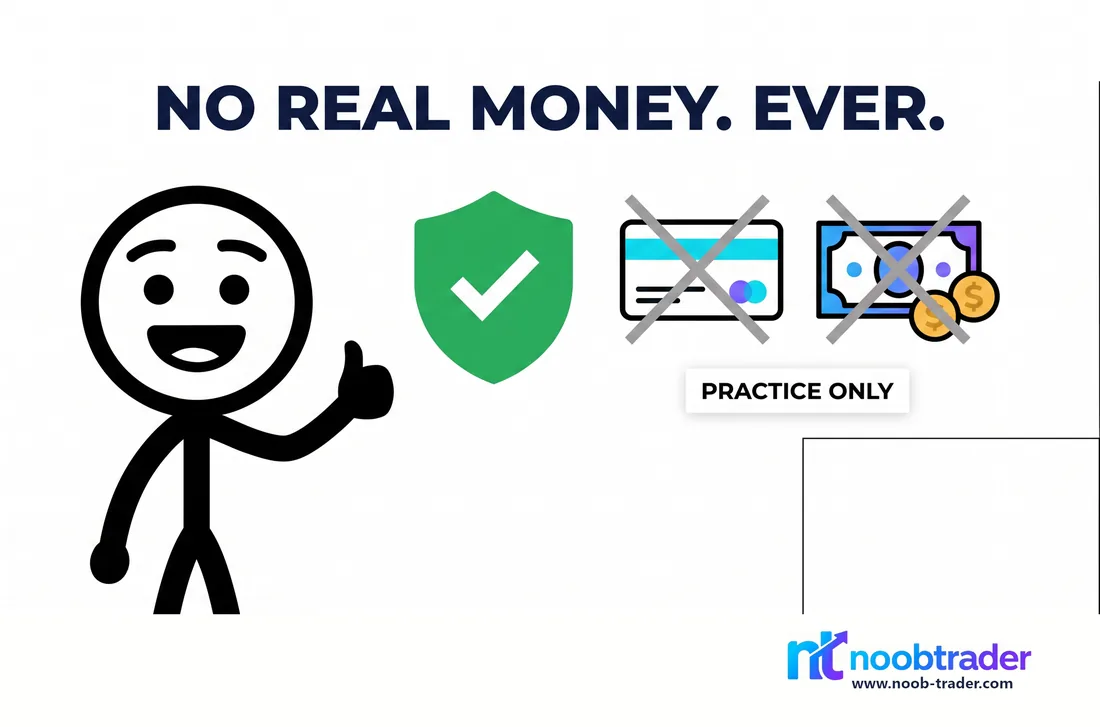
No real money. Ever. Real market data, 780+ stocks across 21 exchanges, 49 cryptos, forex and commodities, plus 10,000 NTs of virtual cash to learn with.

Play in browser

Free to play, on any phone or laptop. No app store, no download, no card.
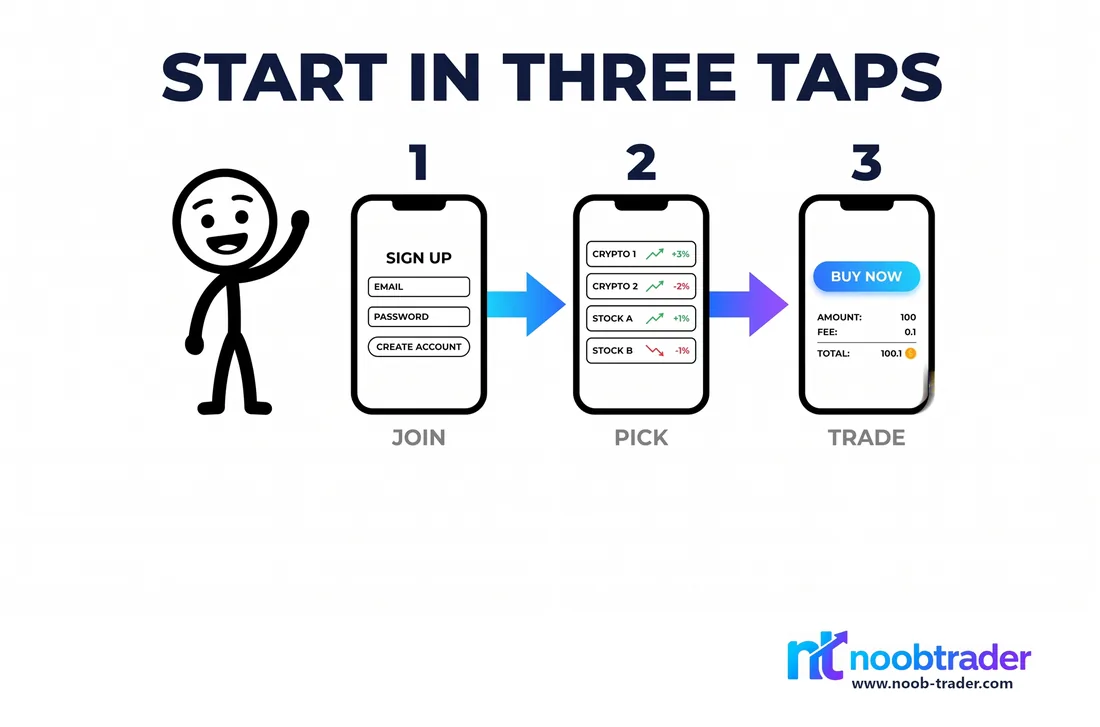
Three phone screens showing how to start: open NoobTrader, sign in, make a first trade
START IN 3 TAPS
10,000
NTs starting cash
84
Lessons
59
Languages
24
Markets

The game, explained by stickman

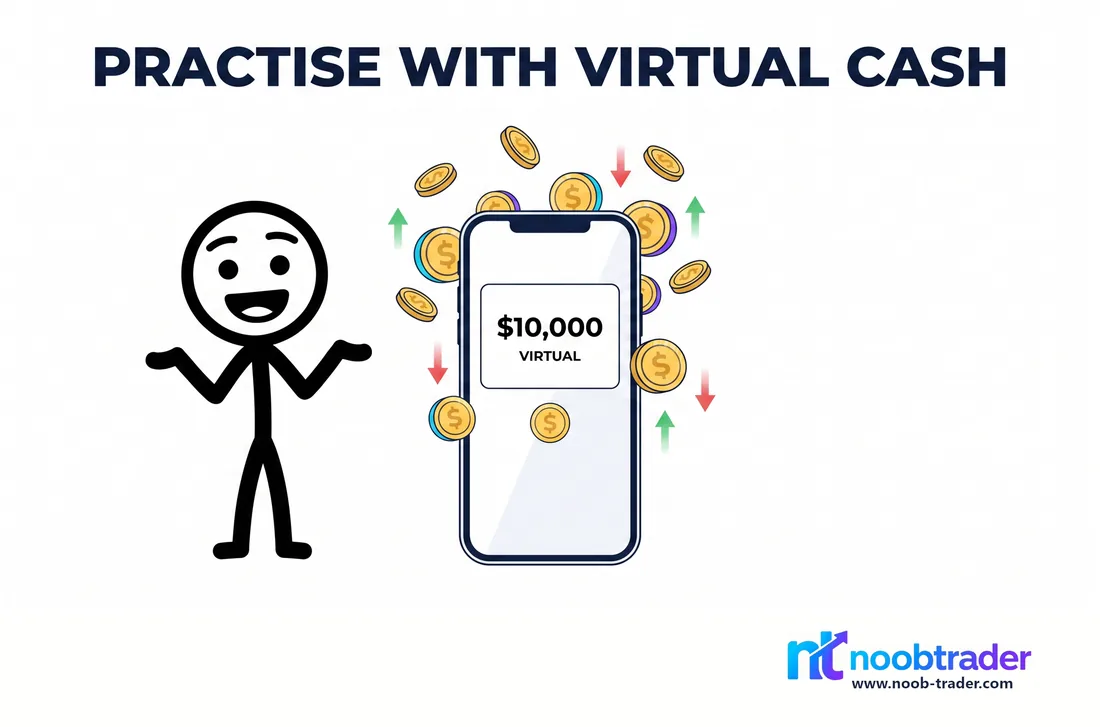
A stick figure trading with a wallet of virtual cash

Practise with virtual cash

Start with 10,000 NTs. Trade 780+ stocks, 49 cryptos, commodities and forex with zero risk.

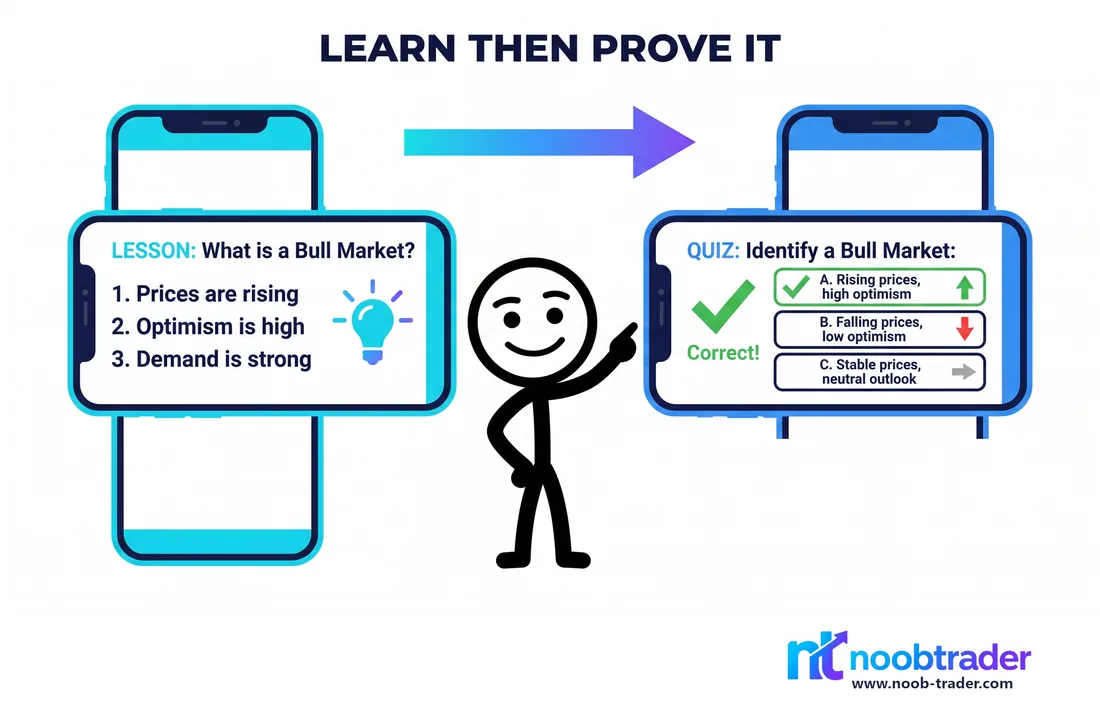
A stick figure working through a lesson and its quiz

Learn, then prove it

84 bite-sized lessons on shares, charts and strategy, each with a boss quiz.

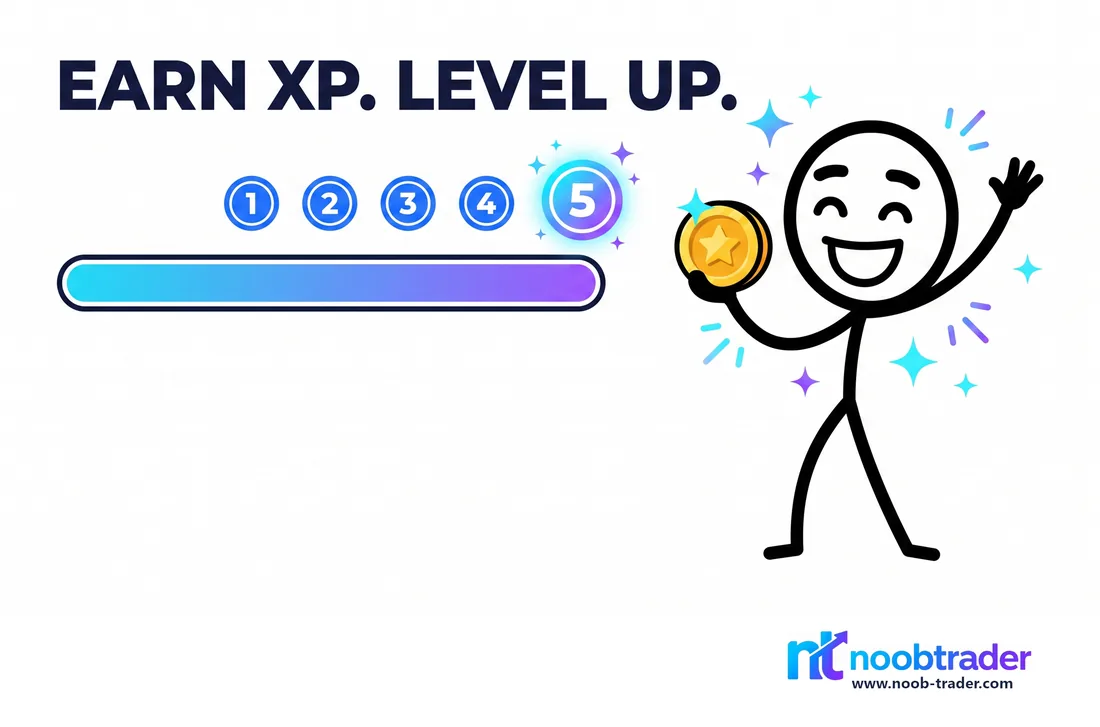
A stick figure climbing XP levels

Earn XP. Level up.

Go from "Noob" to "Wall Street Legend" across 100 levels, and keep your daily streak alive.

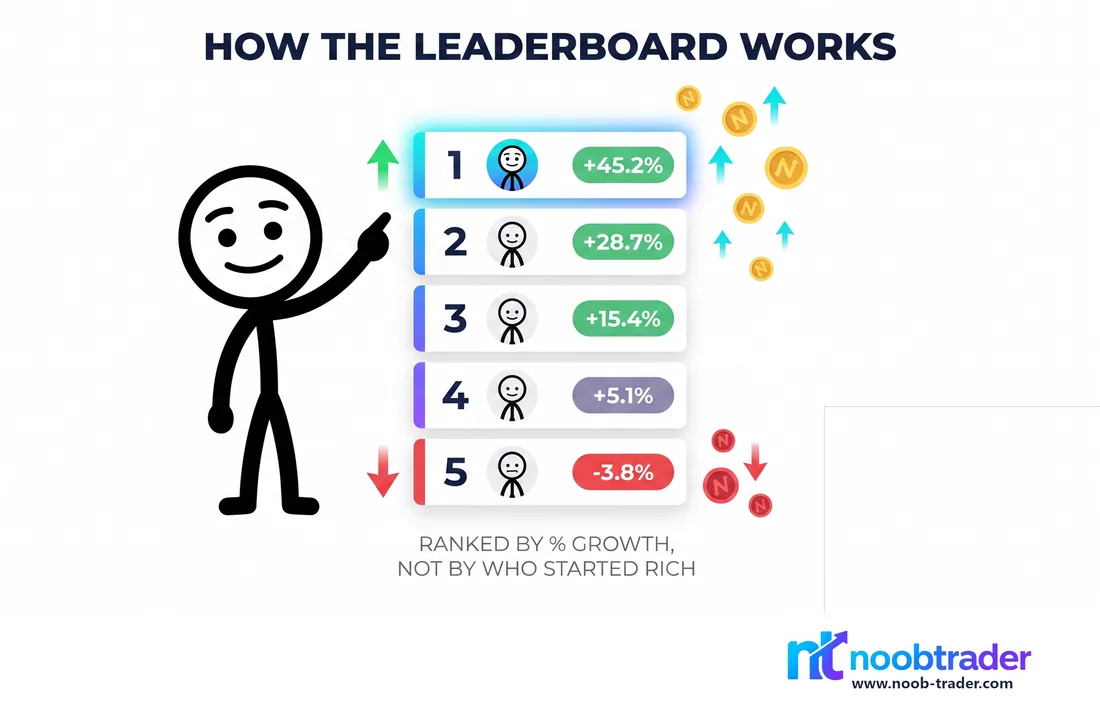
A leaderboard ranked by percentage growth

Fair leaderboards

Ranked by % growth, not by who started rich. Daily Portfolio Race and Stock Showdown.

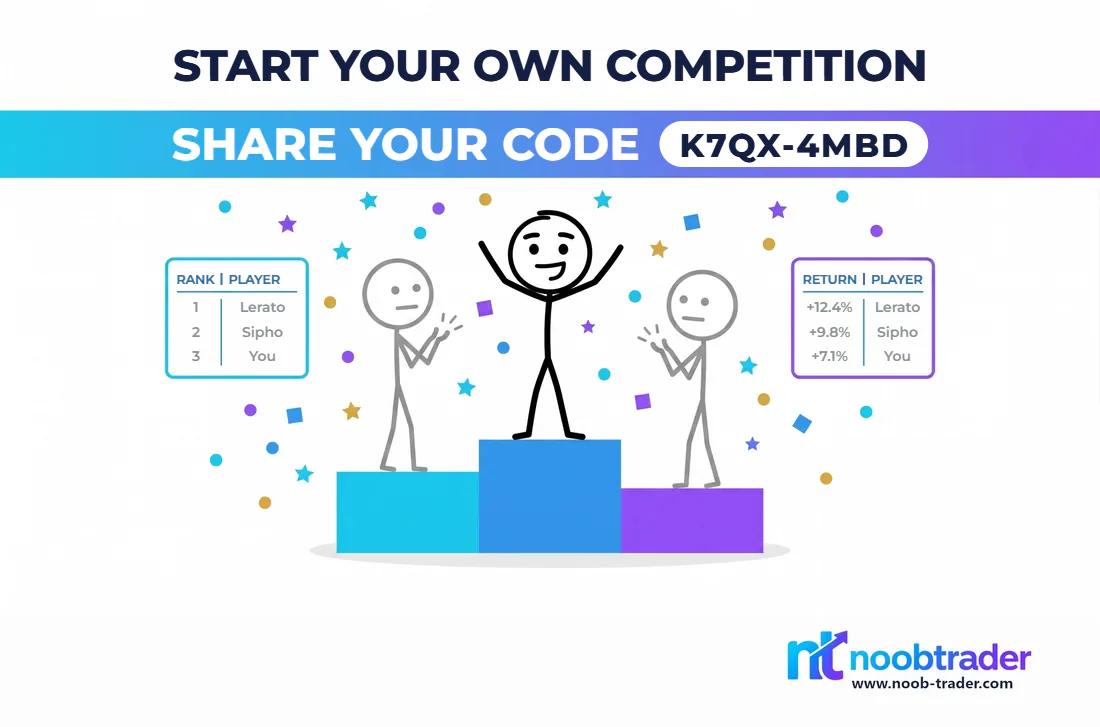
Two stick figures competing for their school

Compete with your school

Join the Schools League and put your school on the podium.

A shield over a wallet: no real money anywhere

Safe by design

No real money, no cards, no deposits. Practice only, built for ages 13+.

Start in 3 easy steps

1

Open it in your browser

Nothing to download. Any phone, tablet or laptop will do.

2

Sign in with Google

One tap and you're in. No forms, no email chains.

3

Get 10,000 NTs & trade

Your wallet arrives loaded. Make your first trade across 21 exchanges in under a minute.

Start playing NoobTrader

Free forever. No card, no deposits, just virtual gains and bragging rights.

Play in browser

Free · works on any phone, tablet or laptop

Want it on your home screen? Add it in two taps. No app store, no download.

  1. 1 Tap "Play in browser" above to open NoobTrader.
  2. 2 Android / Chrome: tap the menu, then "Add to Home screen" (or accept the install banner if it appears).
  3. 3 iPhone / Safari: tap Share (the box with an arrow), scroll down, tap "Add to Home Screen".
  4. 4 It now opens full-screen from your home screen, with its own icon, just like any other app.